You want your shows to look good, not choppy and blurry. If you’re just getting into IPTV Canada, you probably have one question on your mind. Will it actually look sharp, or will it lag?
Good news. Streaming quality isn’t random luck. A few simple things control it. Your internet, your device, and the service you pick all team up to decide how your screen looks.
Let’s go through what really shapes your picture. Once you get this stuff, picking the right IPTV Canada plan gets way easier. No tech skills needed. Just plain facts, explained simply.
What Affects Streaming Quality
Before we dig in, here’s a quick list of the stuff that decides how good or bad your stream looks on any screen.
- Your home internet speed
- The device you’re watching on
- Wi-Fi signal or a wired connection
- How good your provider’s servers are
- Other devices using the internet at the same time
- The app or player you’re streaming with
Each one matters on its own. Fast internet won’t save you if your device is old and slow. And a great provider can’t fix bad Wi-Fi sitting in the next room.
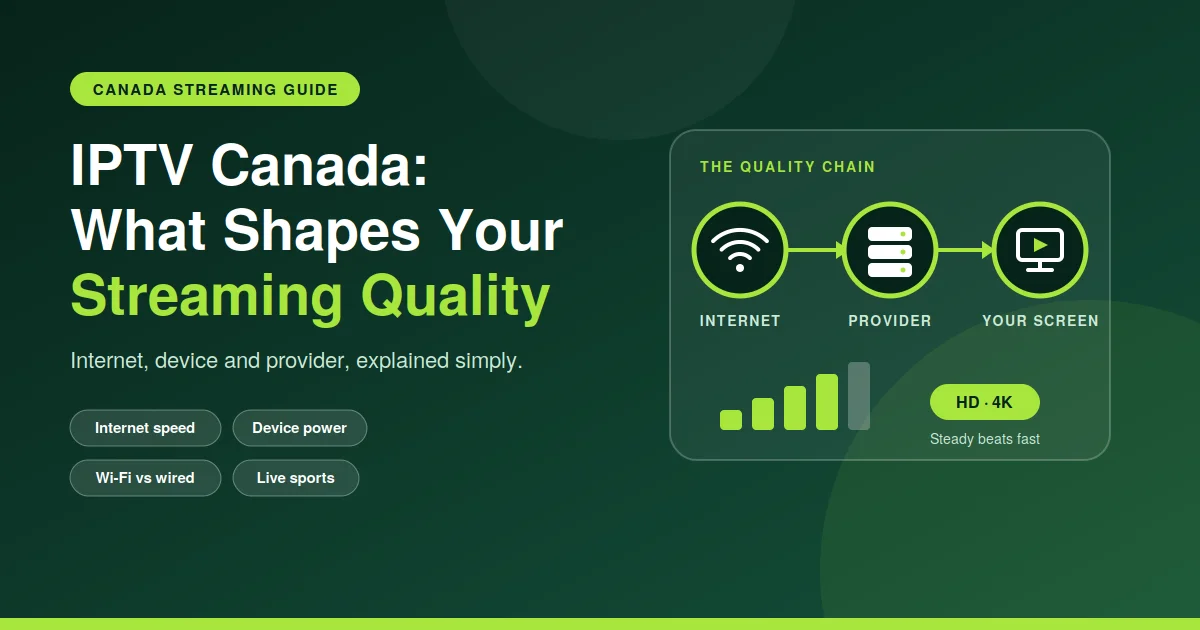
Think of it like a chain. Every piece has to hold up. If one part is weak, your picture suffers, even if everything else is working just fine.
HD vs 4K: What’s The Real Difference
People say HD and 4K a lot, but most folks don’t really know what they mean for everyday watching. Here’s a simple table that clears it up fast.
| Feature | HD Quality | 4K Quality |
| Resolution | 1280 x 720 or 1920 x 1080 | 3840 x 2160 |
| Internet Speed Needed | 5 to 10 Mbps | 25 Mbps and up |
| Picture Sharpness | Clear and solid | Super sharp, looks real |
| Best For | Phones, small TVs | Big TVs, home theatres |
| Data Usage | Lower | Higher |
So yeah, 4K wants a stronger connection. If your internet can’t keep up, your stream might buffer or just drop down to a lower quality on its own.
How IPTV Canada Actually Works
IPTV Canada sends TV shows through the internet instead of cable wires or a satellite dish. Your device grabs small chunks of data and turns them into the video you’re watching.
That’s exactly why your internet speed matters so much. Cable doesn’t care about your Wi-Fi at all. IPTV does. The stronger your connection, the smoother your shows and games play without freezing up on you.
Most solid IPTV Canada services fix themselves on the fly. If your speed dips for a second, the stream might drop quality briefly instead of stopping dead. That keeps things watchable even during small hiccups.
How Much Internet Speed Do You Need
A lot of people stress over this way more than they need to. You don’t need crazy fast internet just for regular HD. About 10 Mbps is usually plenty for one device watching without much buffering.
Want 4K though? Give yourself more room. Try to get at least 25 Mbps if you’re watching on a big screen. Got a few devices streaming at once? You’ll need even more than that.
Wired internet almost always beats Wi-Fi when it comes to staying stable. If your TV sits far from the router, your picture can get worse just because the signal weakens going through walls.
If you share your Wi-Fi with roommates or family, keep that in mind too. Gaming, video calls, and downloads all eat up bandwidth your stream needs to stay smooth and clear.
Your Device Matters More Than You’d Think
Not every device handles streaming the same way. Older phones and cheap streaming boxes can struggle with 4K, even when your internet is fast. The hardware itself has to keep up too.
Newer smart TVs, streaming sticks, and phones usually handle HD and 4K just fine without much fuss. Not sure what yours can do? Check our quality/device FAQ page for a simple breakdown by device.
That page covers the common devices people use with IPTV Canada and tells you what quality each one can handle without stuttering or freezing up on your mid-show.
Easy Tips For Better Streaming
Small changes at home can make a real difference in how your streams look and feel. Try these before you assume the service itself is broken or bad.
- Restart your router once a week
- Use a wired connection if you can
- Close other apps eating up bandwidth
- Keep your streaming app updated
- Sit closer to your Wi-Fi router
- Skip streaming during peak hours if speed is tight
Give these a shot before switching plans or blaming your service. Sometimes the fix is as easy as moving your router or closing one extra tab you forgot about.
Little things add up more than people expect. A cheap router upgrade or one less device hogging the connection can fix issues that felt like a bigger problem than they really were.
Why Steady Quality Beats High Numbers
A stream that hits 4K for two minutes then turns blurry is worse than steady HD the whole time. Staying steady matters way more than chasing the biggest number on a spec sheet.
Good IPTV Canada providers care about keeping quality stable through your whole watching session. That means fewer weird interruptions during movie night or a live game you actually care about.
When you’re picking a service, ask about how reliable the servers are, not just what resolution they claim. A provider who promises 4K but gives you constant buffering isn’t really giving you better quality at all.
Live Sports and Fast Action Scenes
Sports and action need a little more from your connection than a slow show does. Fast movement on screen shows quality problems way quicker than a still, quiet scene ever would.
If sports are your main thing on IPTV Canada, aim for a stable and slightly faster connection. This keeps the fast plays looking sharp instead of turning into a blurry, pixelated mess.
Live streams don’t give buffering much room to quietly catch up either. A dropped frame during a big goal or the final play sticks out way more than one during a slow movie scene.
Picking The Right Plan For You
Not everyone needs the top tier plan. Someone watching alone on their phone has totally different needs than a house streaming on three TVs at once every single night.
Think about how many screens you use, what devices they are, and whether 4K actually matters to you. Casual watchers often do just fine on regular HD without even noticing much of a difference.
If sharp detail matters to you, especially on a bigger TV, it’s worth taking a look. You can check 4K plan availability to see which plans support higher resolution in your area right now.
Head over to our IPTV subscription page to compare what each plan gives you, including quality levels, how many devices are allowed, and the monthly cost, so you can pick what fits how you watch.
Final Thoughts
Good streaming quality comes down to a mix of your internet, your device, and a provider you can trust to work well. None of these alone can promise a great experience on their own.
IPTV Canada services have gotten a lot better over time, giving you both HD and 4K choices for different needs and budgets. Knowing what affects quality helps you get more out of whatever plan you go with.
Take a few minutes to check your internet speed and see what your device can handle before picking a plan. A little bit of checking now saves you a lot of headache later while watching your shows.