Want a free IPTV trial that actually plays smoothly from the start? Buffering is the main reason people quit a service before they even finish trying it out. A good trial should let you watch without any hassle.
Most providers give you a short trial so you can check things out before you pay. But not every IPTV trial gives you the real picture. Some cut down the channels, some cut down the time, and some just don’t run well at all.
Before you judge anything, it helps to know what buffering really is and why it shows up. Once you get that part, testing out a trial gets a lot easier.
What Buffering Actually Means
Buffering happens when your device asks for video faster than it can get it. The video pauses, the wheel spins, then it loads again. It’s annoying, but it can tell you something useful about the service.
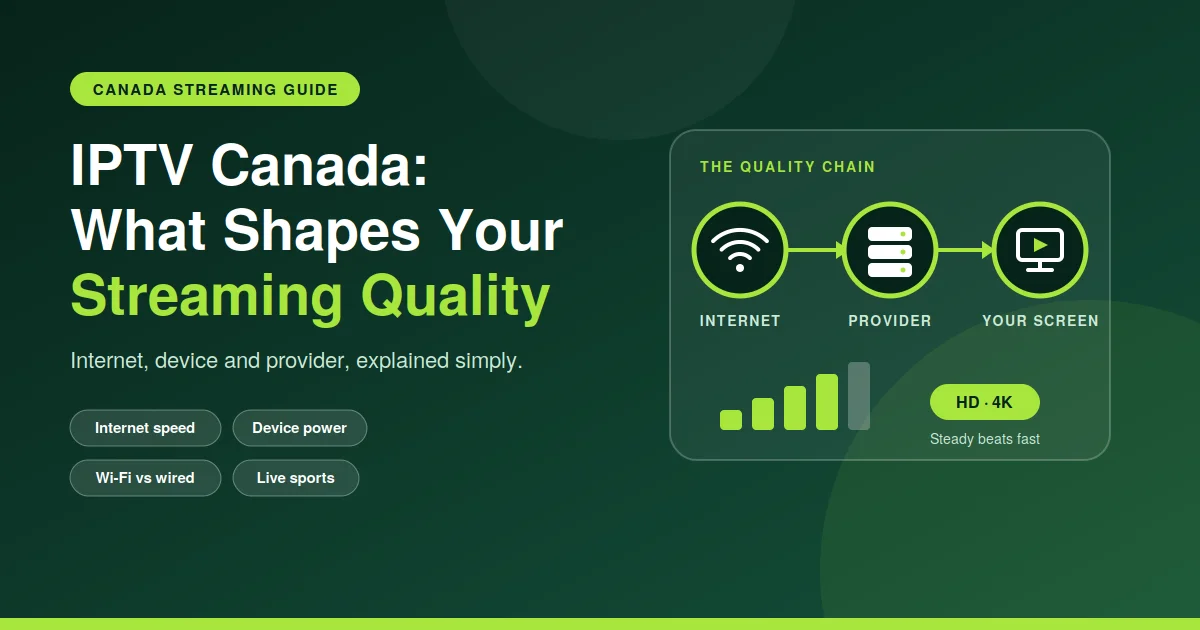
During an IPTV trial, buffering usually comes down to one of three things: your internet speed, your device, or the server on the provider’s end. A trial is your chance to catch these problems early, before you pay.
Sometimes buffering has nothing to do with the provider at all. An old router, a weak Wi-Fi signal, or other apps eating up your internet can cause the same pauses you’d blame on the service.
So it’s smart to test on a steady connection first. That way, if buffering still pops up during your IPTV trial, you know it’s coming from the provider’s side, not yours.
What A Good Trial Should Show You
A real IPTV trial should feel close to what you’d get if you paid. That means full access to channels, a good few hours to test, and support for the device you use every day.
If a trial holds back, like only showing ten channels or blocking HD, you won’t get a real feel for the quality. Ask questions before you sign up if something feels off or limited.
A trial that hides stuff usually isn’t too sure about its own service. The more open a provider is about what you’re testing, the more you can trust what you see.
Before you start watching, check the device compatibility page to make sure your TV, phone, or streaming box works fine with the service. This one step can save you a big headache later.
Different devices don’t all act the same. Older smart TVs can struggle with newer apps, while phones and streaming boxes usually keep up better since they get updated more often.
Here’s what to keep an eye on while your IPTV trial is running:
- Stream loads in a few seconds
- Picture stays clear even in fast scenes
- No random freezing on the channels you watch most
- Sound stays in time with the video
- App doesn’t crash or shut down on its own
If most of these hold up fine, the service is probably good for everyday use. If a bunch of them fail at once, that’s worth thinking twice about before you spend any money.
Why Server Performance Matters
A lot of buffering during an IPTV trial isn’t even about your internet. It’s the server. If too many people jump on a weak server at the same time, streams slow down for everyone, even people with fast home internet.
That’s why it matters to check how the server is doing before you judge the service. Providers who keep track of uptime and speed usually give you a smoother IPTV trial, no matter what time you watch.
A strong server also makes a difference when more channels are running at once. A weak one might handle one stream fine but start struggling the moment more open up.
You can check server performance before or during your trial to see if slowdowns happen a lot or hardly ever. This small step tells you a lot about what to expect if you actually subscribe.
Don’t just check it once. Servers can run great one day and struggle the next, especially during busy hours or when the provider is doing maintenance in the background.
Common Buffering Causes and Simple Fixes
Sometimes buffering isn’t a big mystery at all. It’s usually one small thing going wrong, and this table shows you the most common ones.
| Cause | What It Means | Simple Fix |
| Slow internet | Not enough speed for streaming | Test your speed, close other apps |
| Weak Wi-Fi signal | Device too far from router | Move closer or use a cable |
| Server overload | Too many users on one server | Try watching at a quieter time |
| Old app version | Missing updates or bugs | Update the app |
| Device limits | Old hardware, low memory | Restart it or try another device |
Keep this table close by. Most buffering during an IPTV trial can be sorted out fast, without ever needing to call support or spend hours messing with settings.
Hold onto this table during your first few days of testing. Small fixes like restarting a router or updating an app clear up more buffering issues than most people expect.
How Long Should A Trial Run
A short IPTV trial, like just one hour, won’t tell you much at all. Longer trials, especially at night when more people are streaming, give you a truer feel for how it really runs.
Busy hours matter because that’s when servers carry the most traffic. If your IPTV trial still runs smooth during those busy hours, that’s a good sign the service can handle regular use.
Try testing at different times of the day too. Morning, afternoon, and night can all look pretty different, and you only get the full picture by watching across all of them.
If you hit a problem, check the Server status/FAQ page first. It often explains issues or maintenance that’s already going on, before you start blaming your own setup.
Keep these habits in mind for a smoother test run:
- Use a wired connection when you can
- Don’t run big downloads while you’re testing
- Restart your router before you start
- Keep the streaming app updated
- Try it out on more than one device
Doing these small things during your trial can be the difference between a real test and a messy one full of pauses that aren’t even the service’s fault.
Final Thoughts
A free IPTV trial is your best shot at judging a service honestly. Don’t rush it. Watch during busy hours, try more than one device, and notice how the stream comes back after a pause.
Buffering here and there isn’t always a dealbreaker, but if it keeps happening during your trial, that’s a warning sign. Take your time, check the server, and make sure your device is supported before you sign up for anything.
A little patience while you test goes a long way. The clearer picture you get of how it runs day to day, the better call you’ll make once the trial period is over.